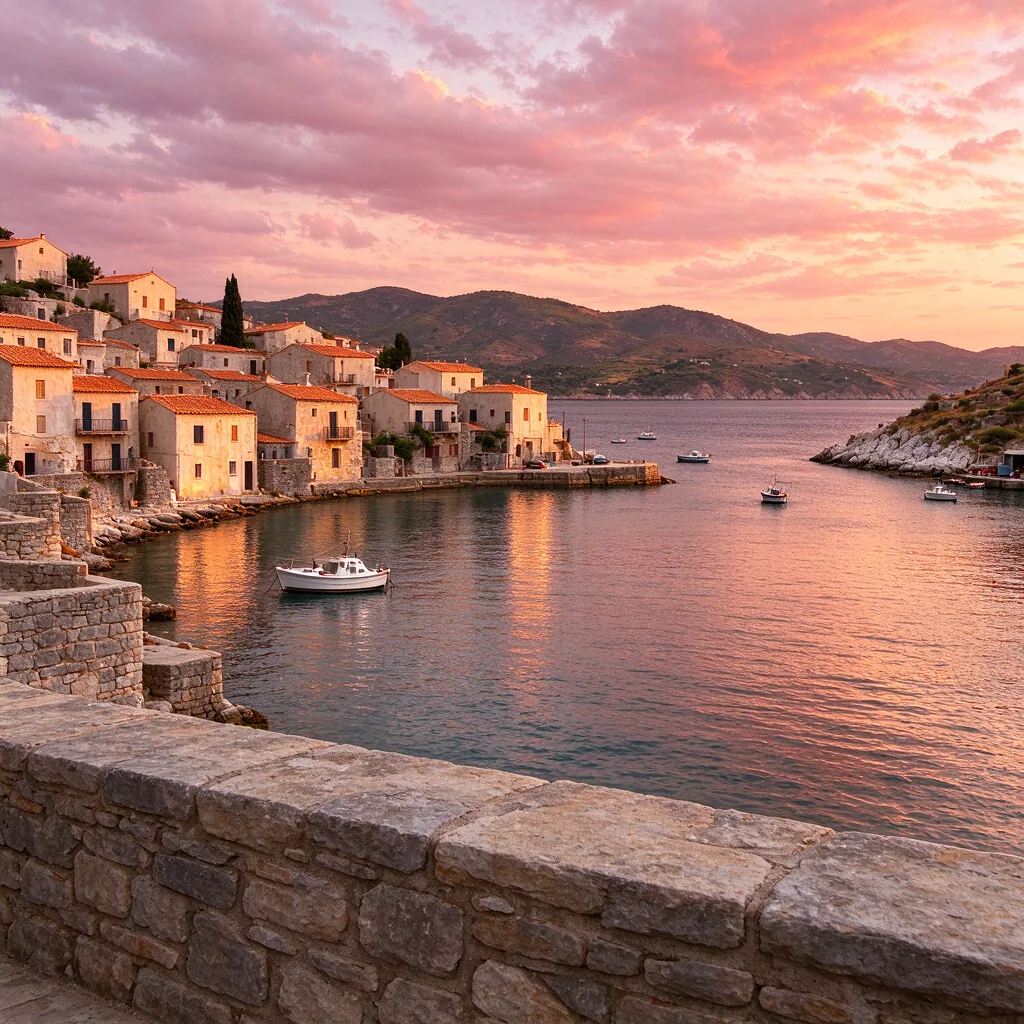
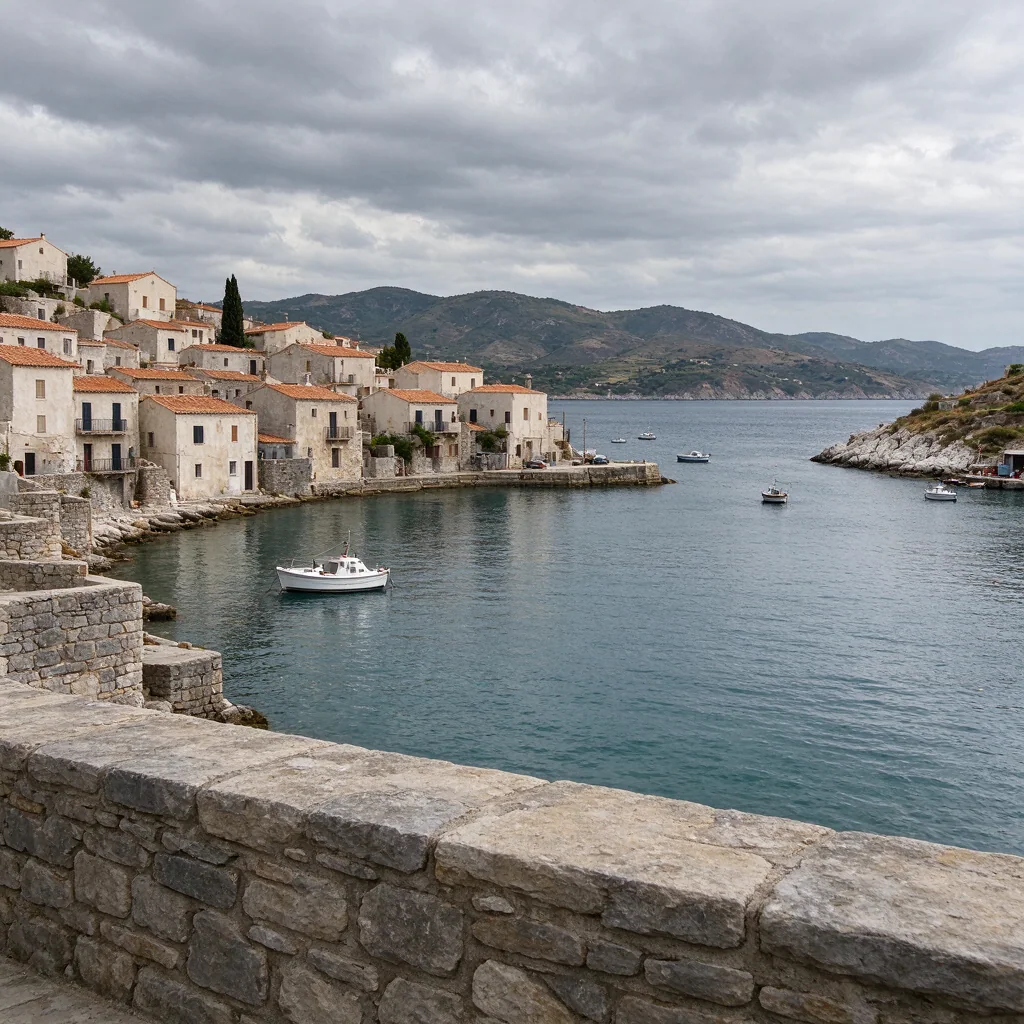

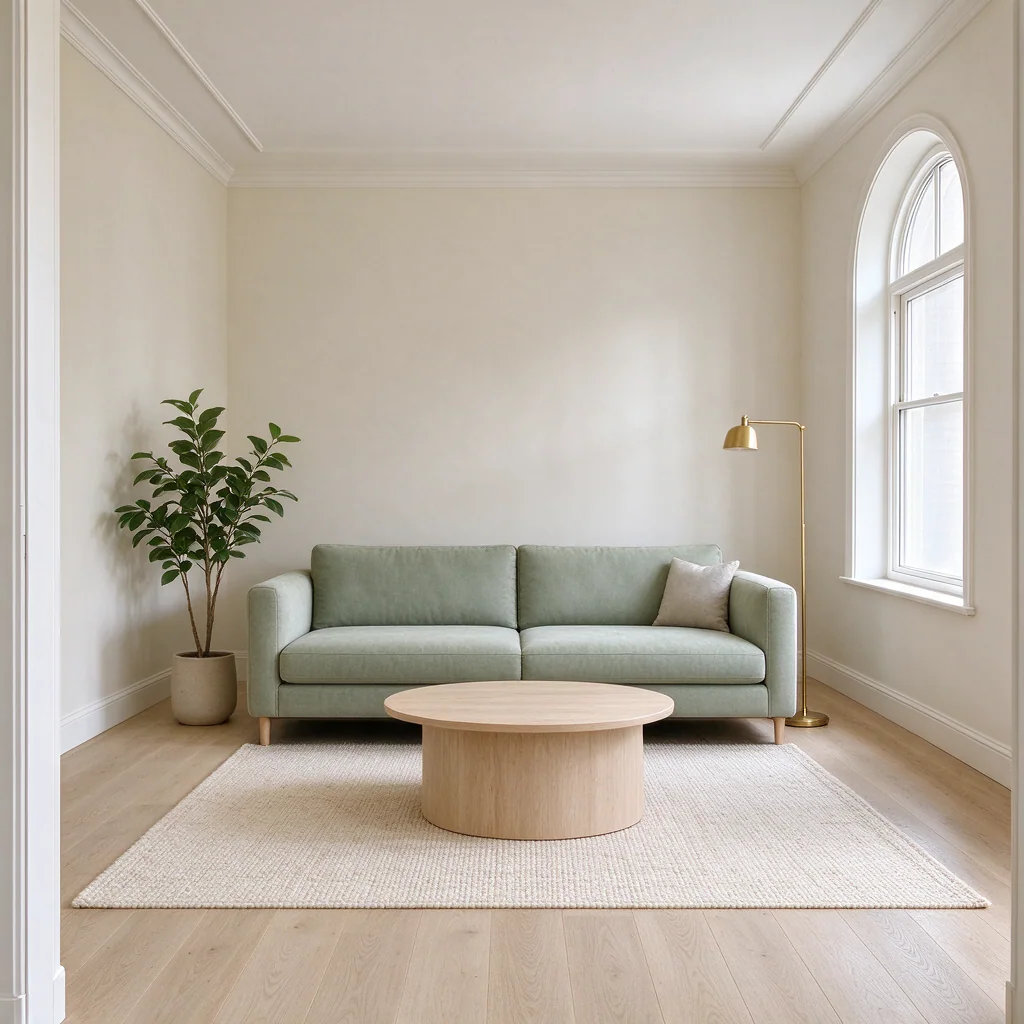
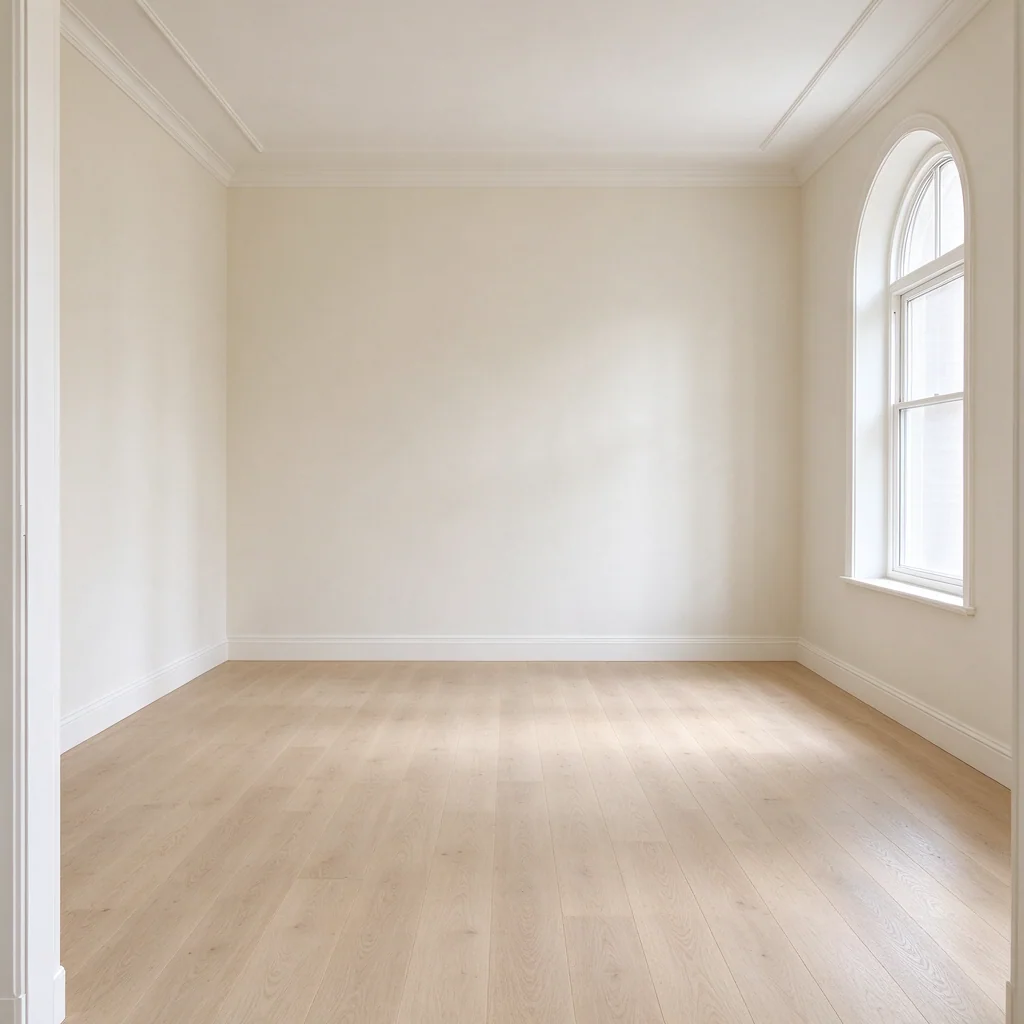
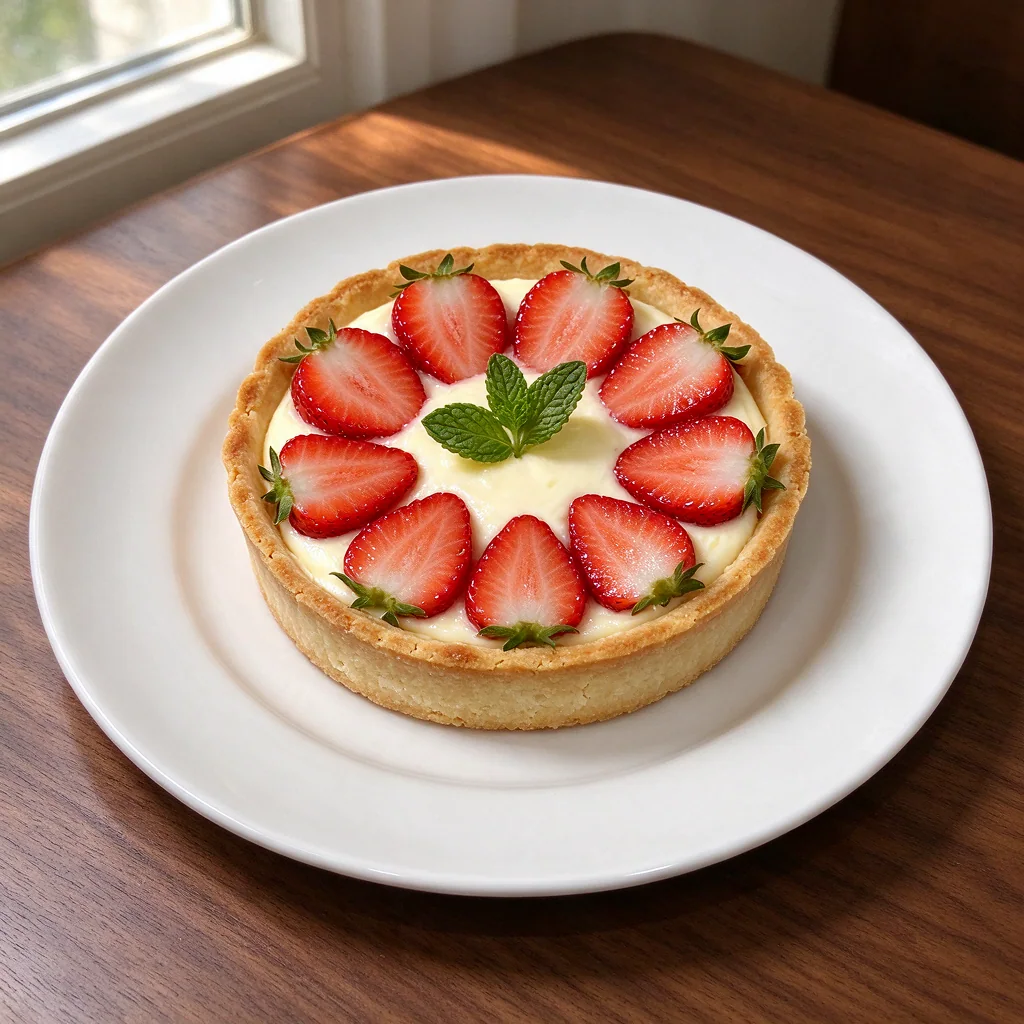
Your image. Your direction.

AI image editor, with you in control.

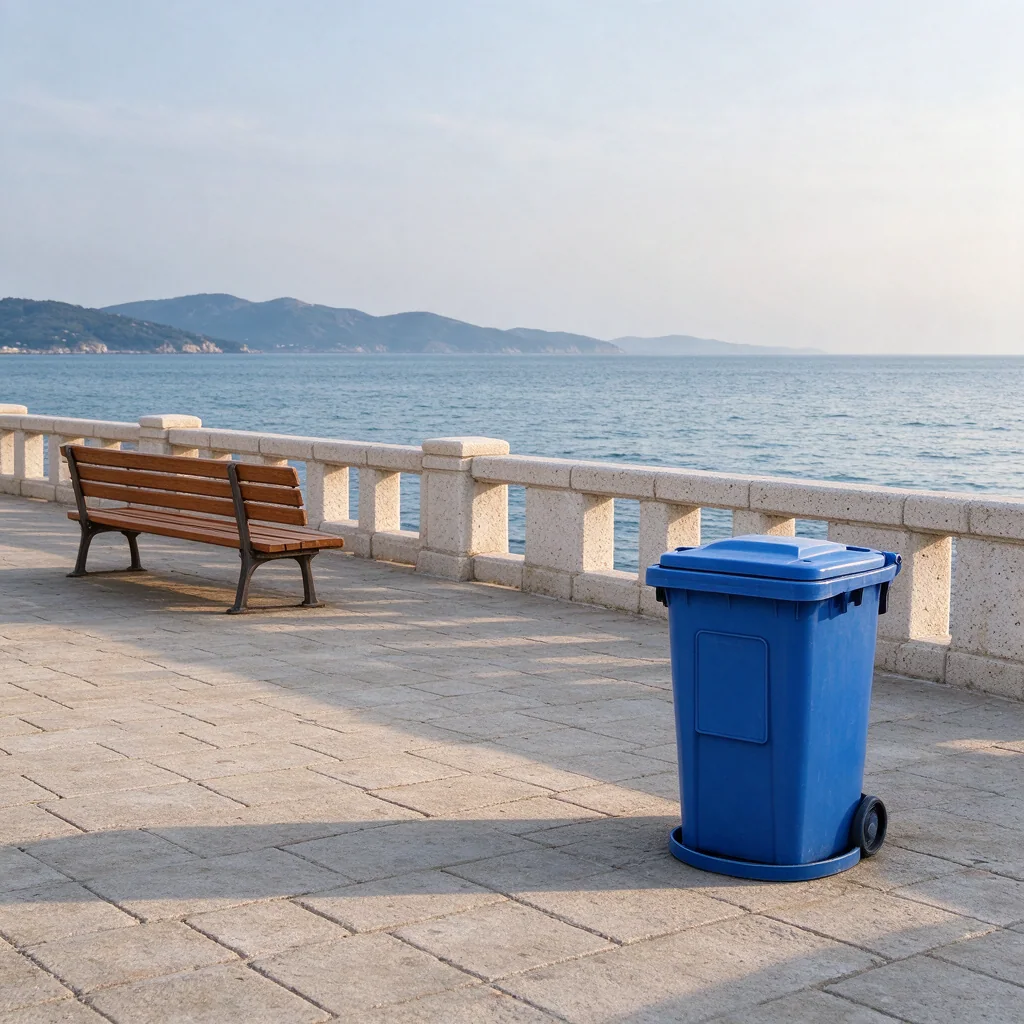
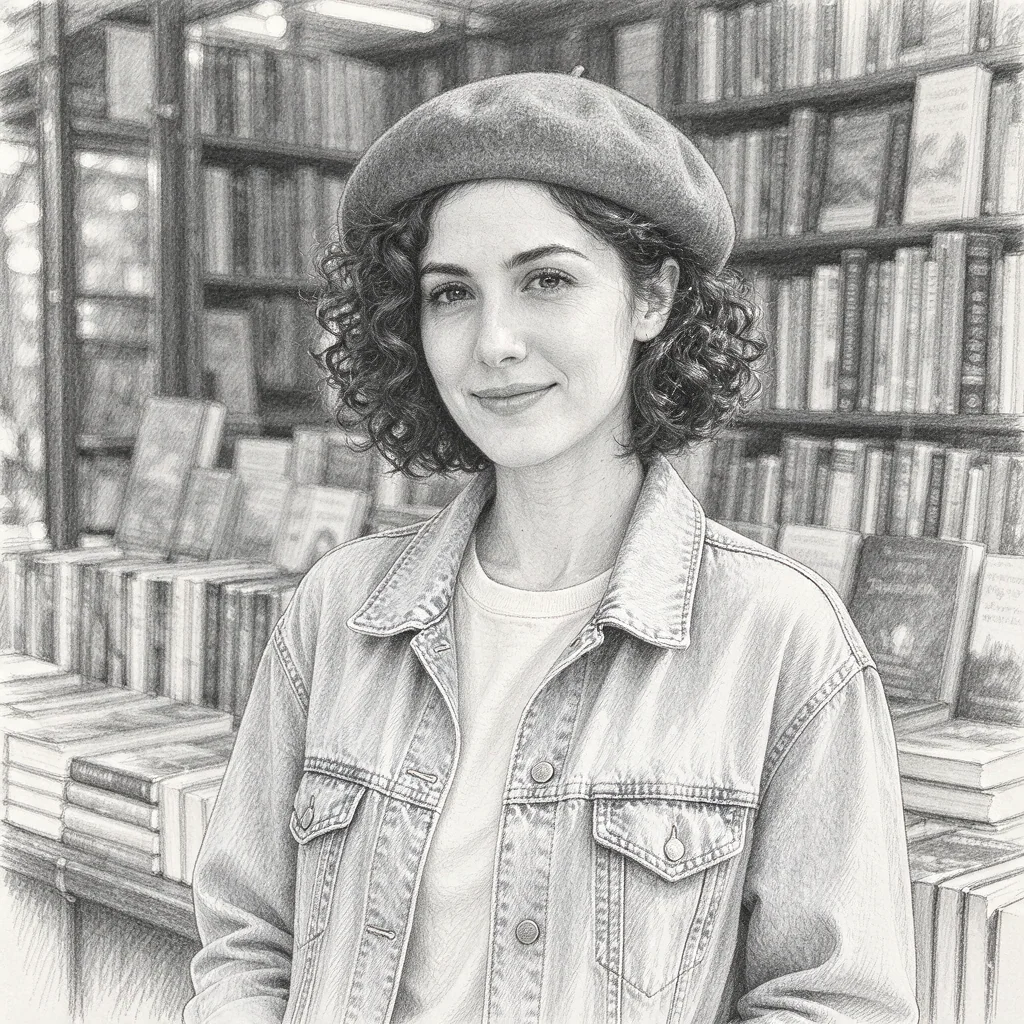
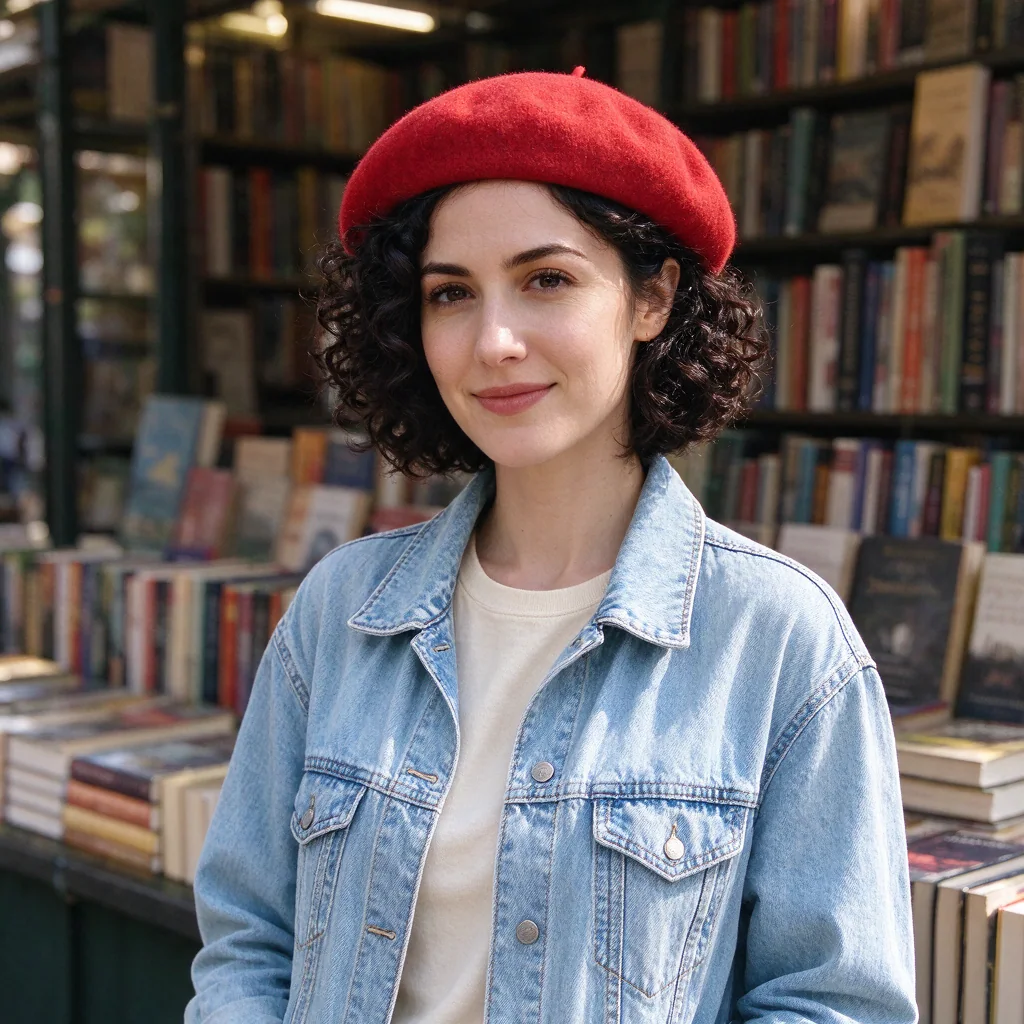
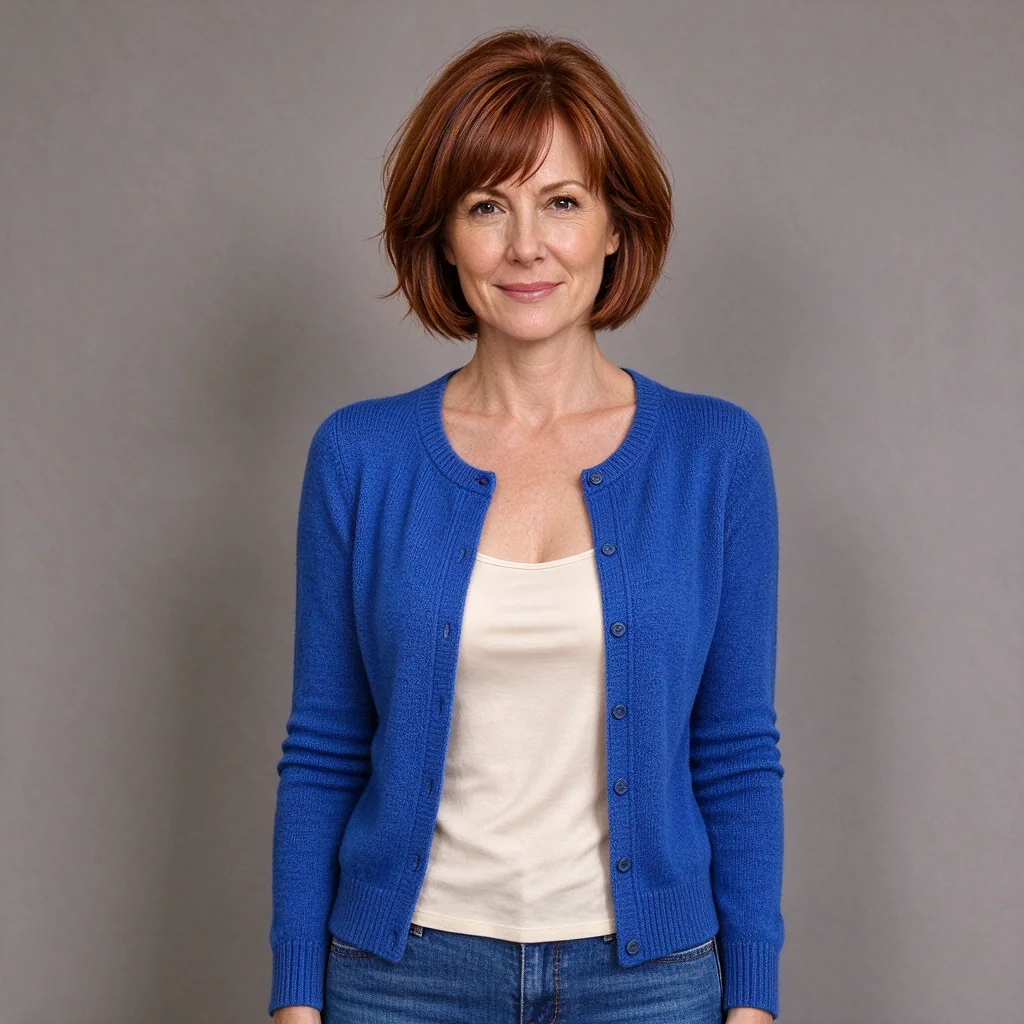
Edit photos with text prompts. Change a background, refine a portrait or remove an object. Upload a reference and describe what to keep.

Edit photos with text prompts.

Reference images

0/8
Browse all prompts
0/8000
Generation mode

Available with a monthly Pro or Studio membership.

Preview

Sample result: PortraitsSample result
Original

Recent history

Select a result

Your generated images will appear here.

Photo applications

One editor, many kinds of photos.

Explore editing ideas for portraits, landscapes, advertising, interiors, food, pets and more. Choose a sample to see the reference, editing instruction and result.

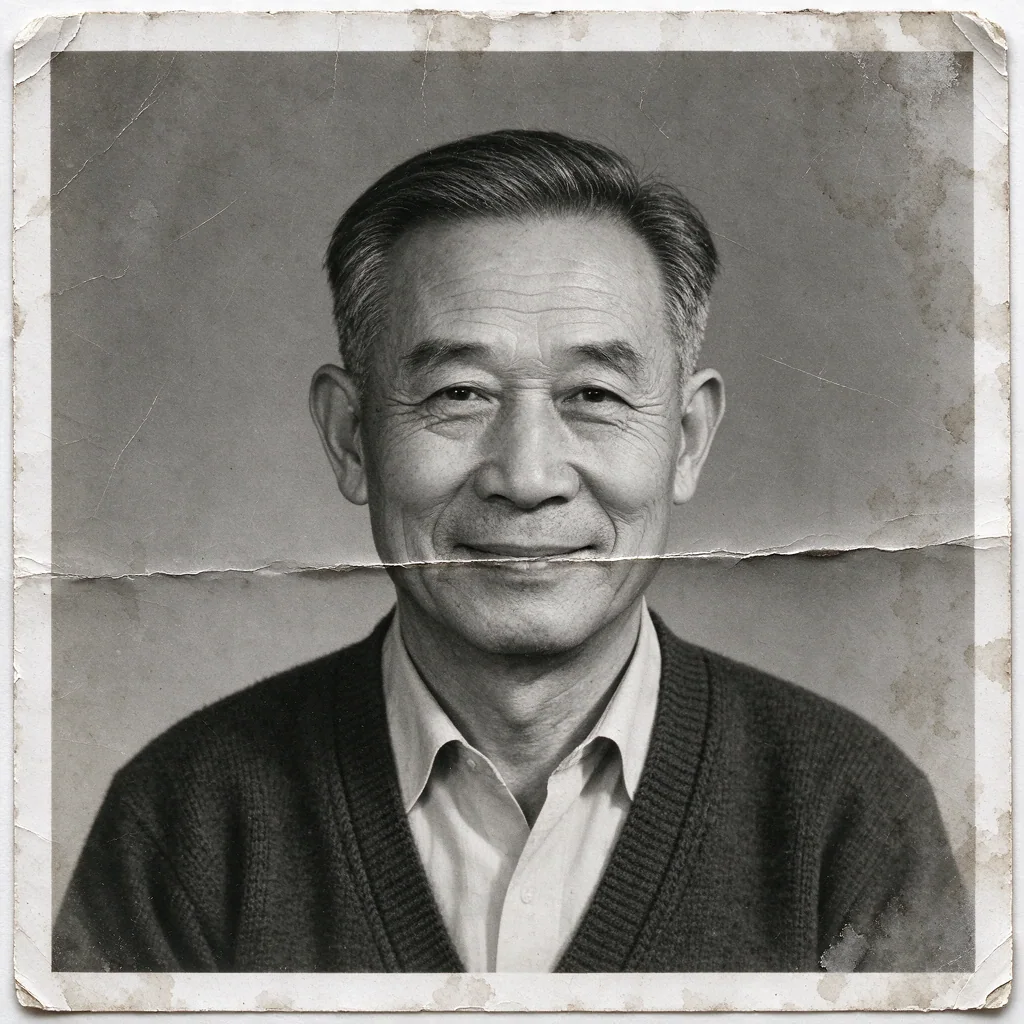
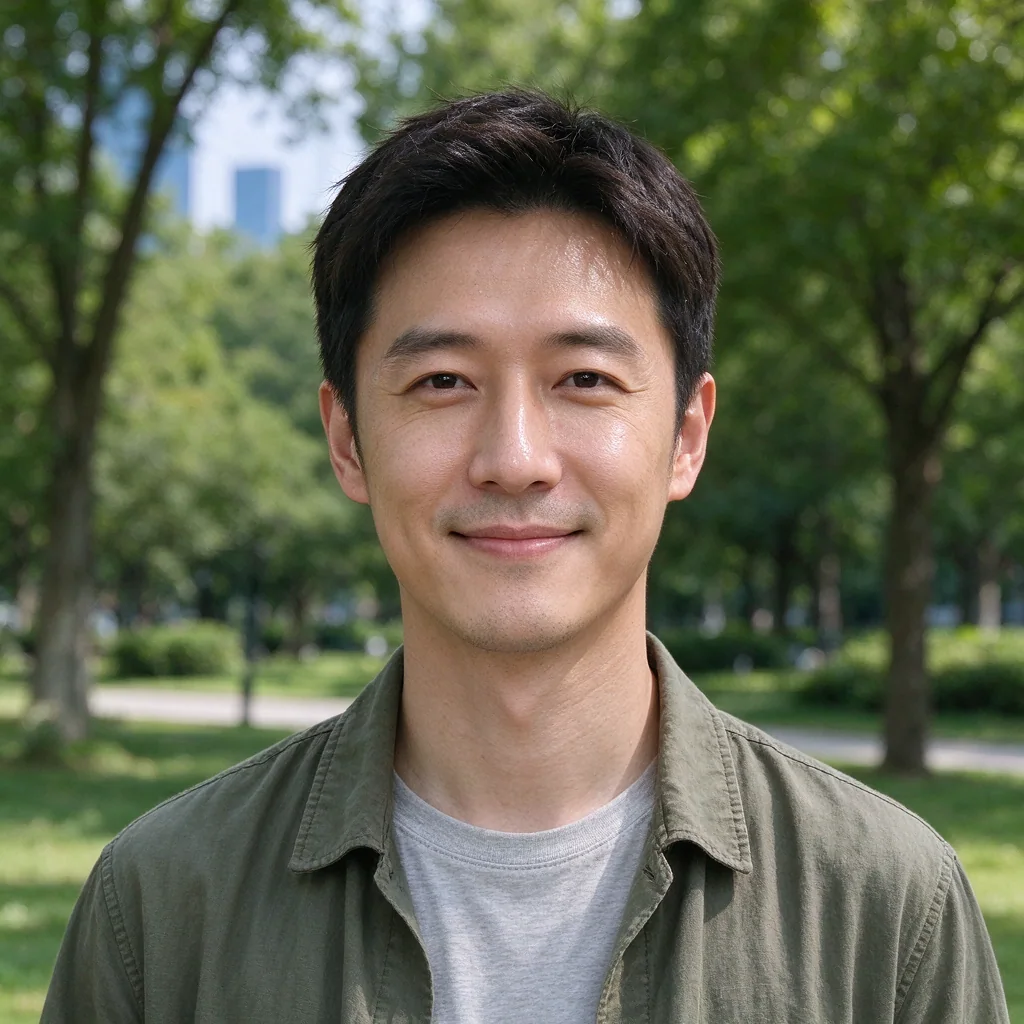
Original: Portraits
Original
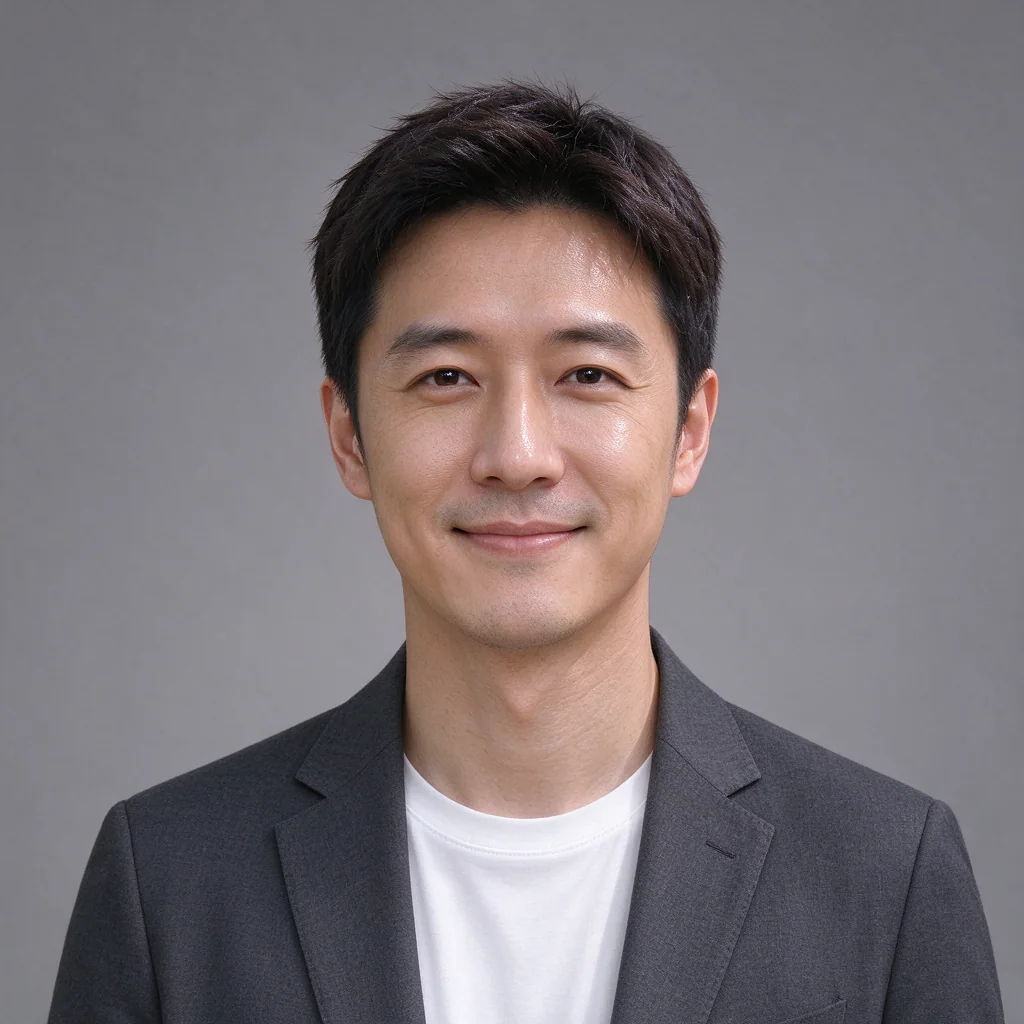
Sample result: Portraits
Sample result
Portraits

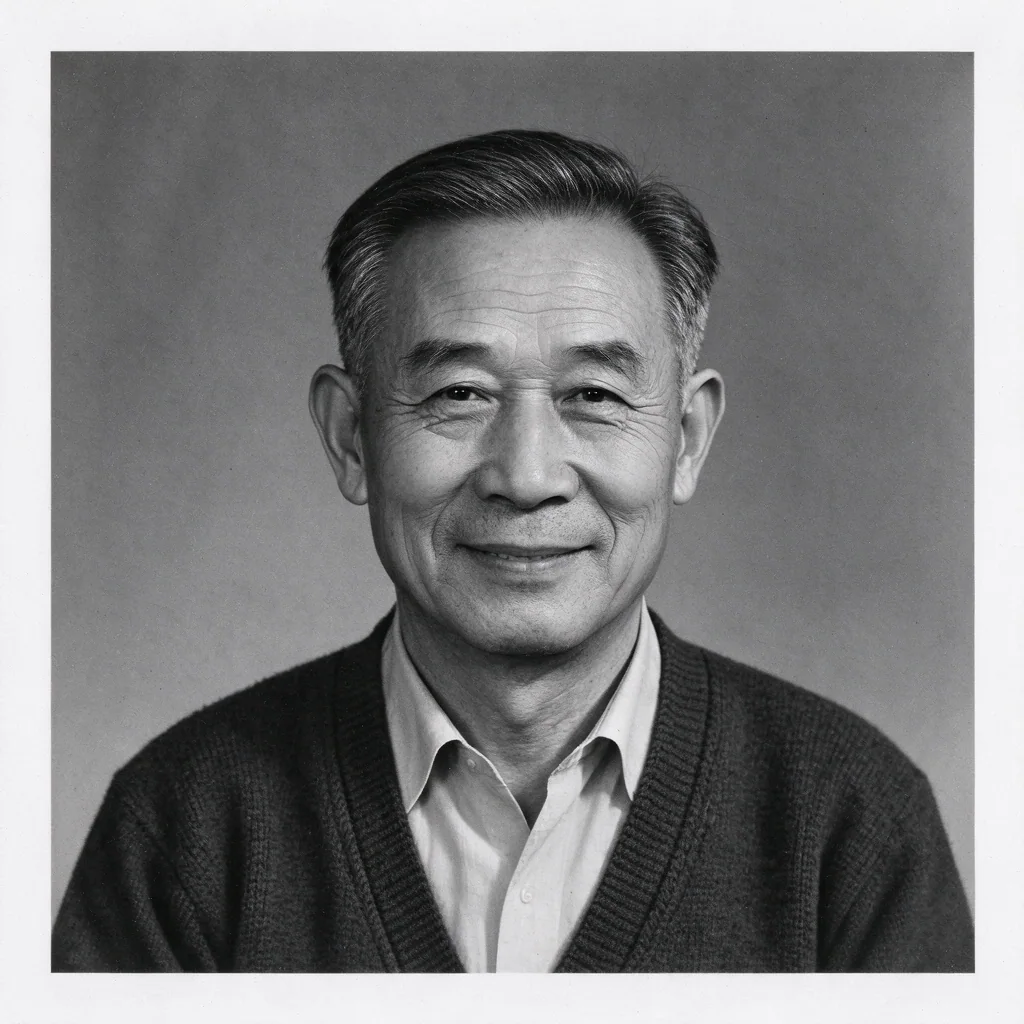
A fresh portrait, with familiar features.

Editing prompt

Edit this reference portrait into a professional studio headshot. Keep the same adult man, recognizable facial structure, hairstyle, eye color, expression and natural skin texture. Replace the olive overshirt with a charcoal blazer over a plain white crew-neck shirt, and replace the park with a softly lit neutral gray studio background. Preserve the chest-up pose, camera angle and square framing. Use soft flattering portrait light without plastic skin, text, logos or additional people.

Loads the prompt into your editor. You choose when to generate.

Both the reference and edited result were generated with Seedream 5 Flash via APIMart. Results vary by reference and prompt.

Templates for this tool

Prepare an editable starting instruction. Applying a template keeps your reference and settings.

Change background

Try a quiet indoor background around the existing subject.

Change hairstyle

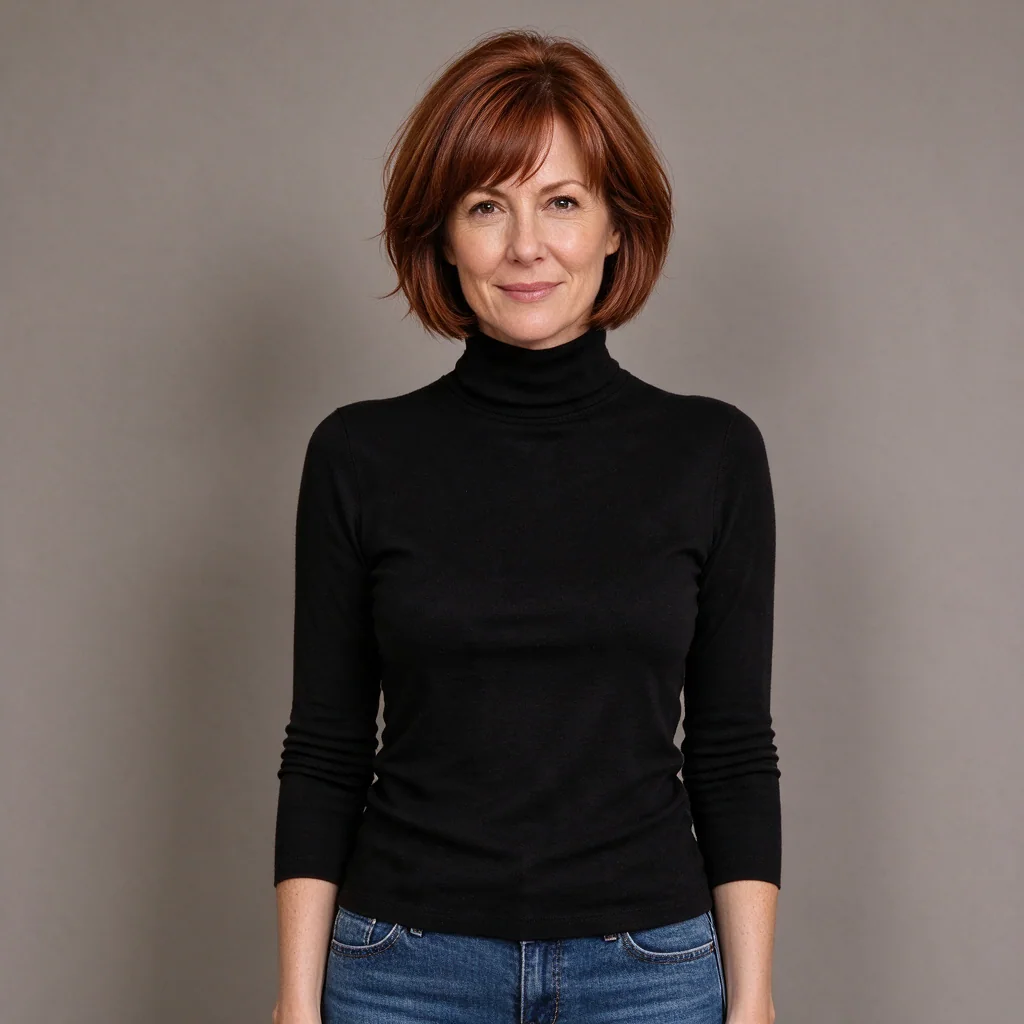
Try a natural bob haircut while requesting the same facial features.

Change clothing

Try a navy blazer and plain white shirt.

Cartoon illustration

Explore an editorial cartoon version of the reference.

Browse all prompts

A simpler workflow

A clear path from idea to image.

  1. 01

    Bring your photo.

    Upload a JPG, PNG, or WebP. Add reference images when you want to guide the subject or style.

  2. 02

    Describe the change.

    Say what to change and what to keep. Choose a model and review the credit cost before generating.

  3. 03

    Review and refine.

    Download your result or use it as a reference for the next edit. Your recent work stays in the history panel.

Plans & credits

Choose room for your next idea.

Start with a one-time verified trial, choose a monthly plan, or buy a credit pack.

Trial credits cover single Flash 1K and Lite 2K images for 30 days. Purchased and monthly credits never expire. Pro directions require eligible current membership.

Free trial

$0

Claim once with a verified account.

Get Started For Free

  • 20 credits, valid for 30 days
  • Up to 10 Flash 1K OR 5 Lite 2K images
  • One image per generation
  • No watermark
  • Claim limits apply
  • No Pro directions or GIF

Starter

$9.90/month

For everyday creating.


  • 400 credits each month
  • Up to 200 Flash 1K OR 100 Lite 2K images
  • Credits never expire
  • No watermark
  • No Pro directions

Studio

$39.90/month

For a busier creative workflow.


  • 2,200 credits each month
  • Up to 1,100 Flash 1K OR 550 Lite 2K images
  • Credits never expire
  • No watermark
  • 2 or 3 Pro directions while membership is active (planning fee applies)

    Image counts are alternatives, not additive: Flash 1K costs 2 credits and Lite 2K costs 4. Planning, higher-cost models and extra inputs reduce these counts.

    FAQ

    A few things to know.

    Practical answers about creating, editing, credits, and your images.

    How do credits work?

    Each generation uses credits based on your chosen model, output count, and settings. The editor shows the cost before you generate. Available credit options are shown in the pricing section.

    Can I download my edited image?

    Completed results have a download control in the preview. The available file format depends on the model and settings you select.

    What can I change in my images?

    You can replace backgrounds, remove unwanted objects, change outfits, edit image text, or explore a new visual style. Describe what you want to change and tell the AI which details to keep.

    Do I need image editing experience?

    No. Describe your changes in everyday language, such as “remove the person in the background” or “make the lighting softer.” There is no need to learn complex editing tools.

    Do I need an account?

    You can browse examples, edit prompts and preview reference photos locally without an account. New image generation requires a verified login and eligible credits. The one-time 20-credit trial covers single Flash 1K or Lite 2K images when claims are available.

    Can I use multiple reference images?

    Yes. Models that support multiple references can combine several images in one edit. Explain what to use from each image, such as the subject, clothing, background, or style. Reference limits vary by model.

    How can I upload images from my phone to the editor on my computer?

    Click “Upload from phone” in the editor and scan the on-screen QR code with your phone. Select the images you want to edit to upload them directly to your current editor, without transferring them to your computer first.

    Can I keep the original features of a person or product?

    Reference images and clear instructions can help preserve key features, such as a face, hairstyle, or product shape. Specify which details should stay the same. Results vary by model and the changes you request.

    Can I use my edited images commercially?

    Check the applicable model terms and make sure you have the rights to your uploaded images, reference materials, and intended use.

    Is my data safe when I edit images online?

    We value your images and personal information. Please see our privacy policy for details about how uploaded content is handled, how data is used, and how your privacy is protected.